

Join FoxVale.
Make yourself at home.
FoxVale is a cozy Minecraft Java survival community with a vanilla+ approach. Build, explore, and find your place among the FoxFam.
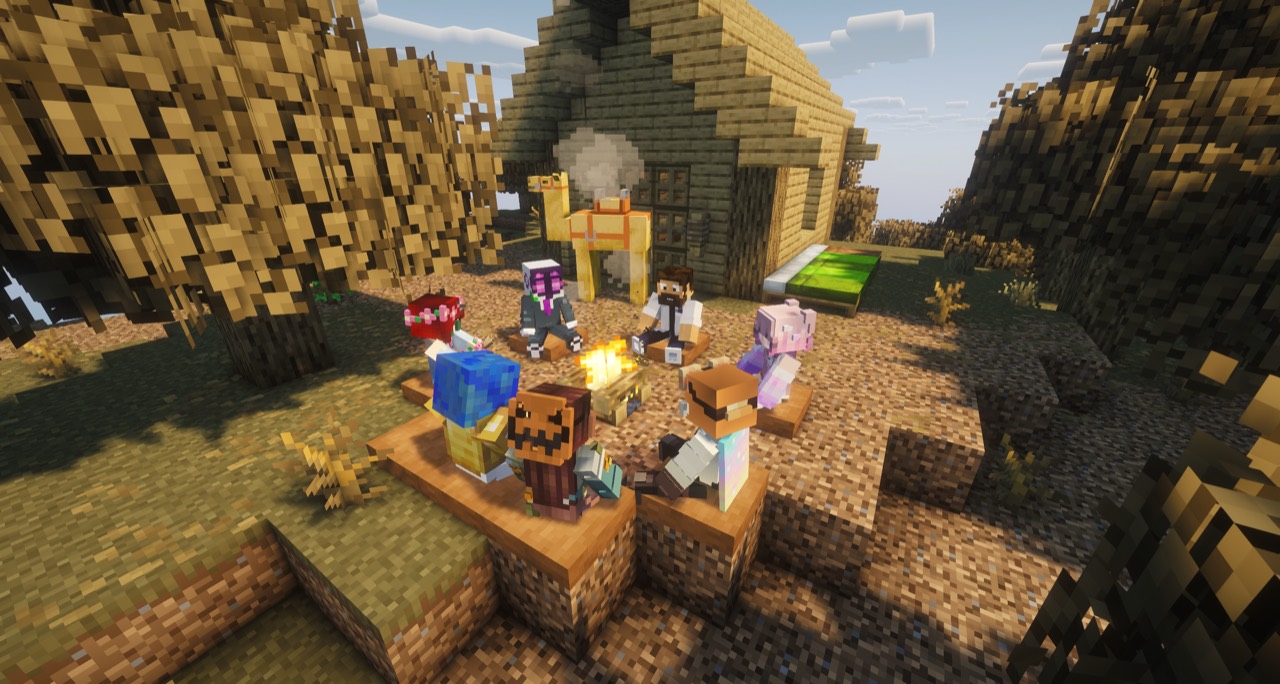
A lot of friends.
Your first steps
into the Vale.
Start with the community. We keep our application and current setup instructions together in Discord.
Open the FoxVale DiscordCome say hello.
Join our Discord at discord.gg/foxvale. It is the starting point for meeting the FoxFam and finding the latest joining information.
Follow the application steps.
Read the current instructions in Discord and complete the application there. If anything is unclear, ask the staff team in Discord for help.
Once accepted, make yourself at home.
Follow the Minecraft version and setup instructions provided in Discord. In Minecraft Java Edition, choose Multiplayer → Add Server and enter this address:
Minecraft server addressfoxvalesmp.comCheck Discord for the current requirements before connecting.
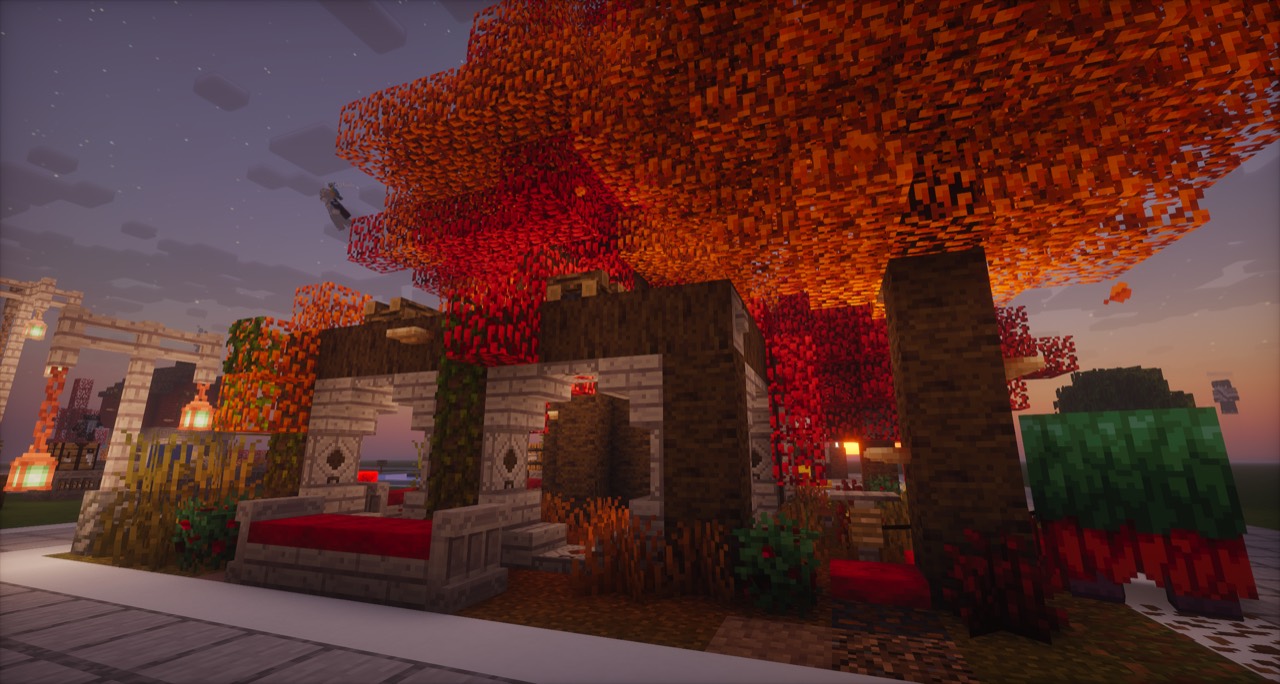
A home we
build together.
Our community starts with trust, mutual respect, and care for one another. We want the Vale to feel warm and welcoming, with room for your creativity and the friendships you make along the way.
Read the FoxVale philosophyA few helpful
answers.
Have another question? The staff team in Discord can help with the current joining instructions.
What kind of Minecraft server is FoxVale?
FoxVale is a survival multiplayer community for Minecraft Java Edition, with a vanilla+ approach. Our focus is building, exploring, and making a cozy place for people to spend time together.
How do I apply to join?
Join the FoxVale Discord and follow the application instructions shared there. Once accepted, use the current setup instructions to connect.
Which Minecraft version should I use?
Check the current joining instructions in Discord for the required Minecraft Java version and setup. Use those instructions when you are ready to connect.
What is the Minecraft server address?
The server address is foxvalesmp.com. Complete the Discord application process and follow the current setup instructions before joining the game.
Where can I see more of the community?
Visit our photo gallery for scenes from the Vale, or read the FoxVale philosophy to learn about the values behind our shared home.
Your next chapter
starts with hello.
Come meet the FoxFam. We look forward to getting to know you.
Apply to join on DiscordExplore. Build. Bond.